
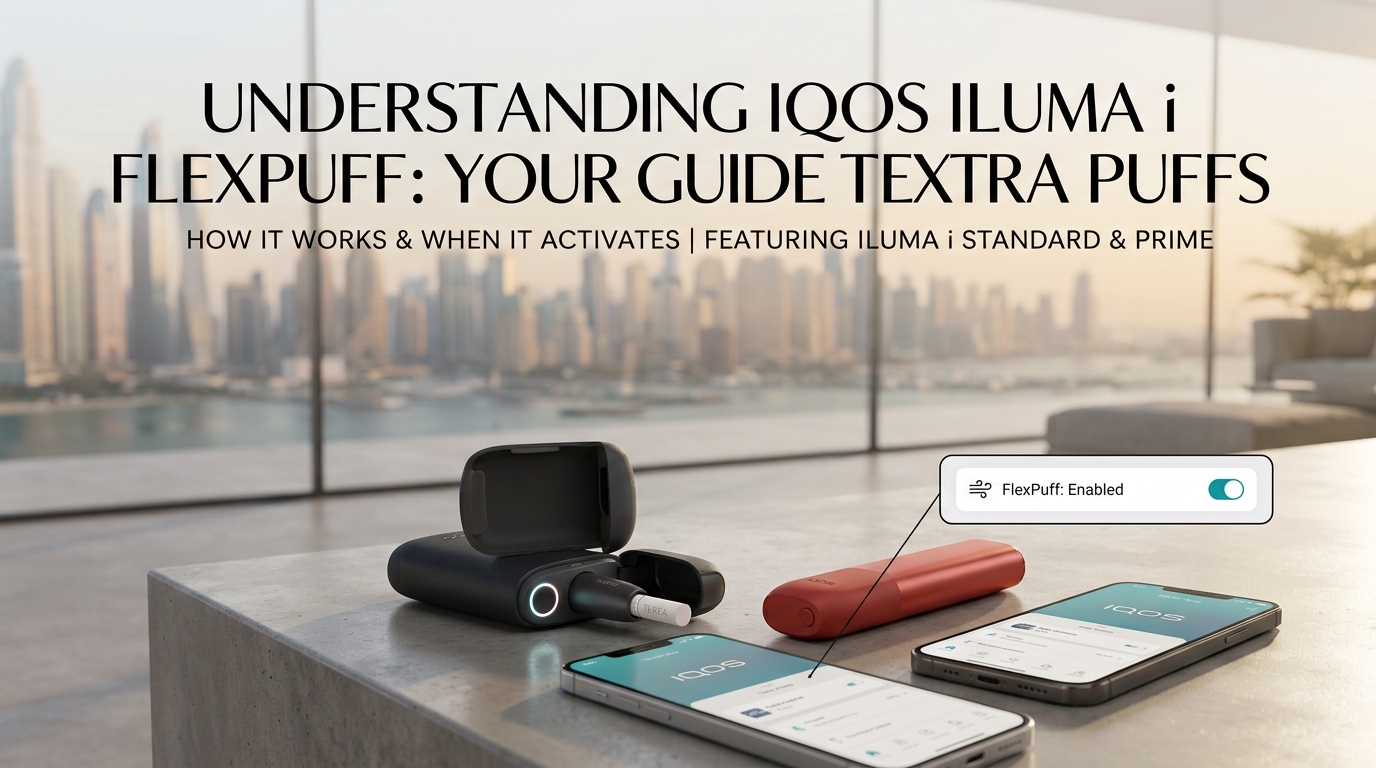
FlexPuff is one of the standout features on the IQOS ILUMA i range and probably the one people misread most. It doesn’t just tack four extra puffs onto every session, and there’s no set puff number that triggers it. What actually happens is that the device pays attention to how you’re using the stick and, if the conditions line up, it lets you have up to four more puffs inside the same up to 6-minute window. If you’ve used Pause Mode during that session (on the models that have Pause Mode), FlexPuff sits it out. The rest of this article walks through what’s really going on, when the feature can kick in, and why you won’t see it every single time.
Key points at a glance
- FlexPuff is an adaptive feature on the IQOS ILUMA i range that can give you up to four extra puffs at the end of a session.
- A standard session is up to 6 minutes or 14 puffs, whichever comes first. The extras stay inside the up to 6 minute limit.
- There’s no fixed puff count that triggers it. It depends on how you use the device and how much aerosol has been drawn.
- FlexPuff won’t run if you’ve used Pause Mode during the session, or if you’ve switched FlexPuff off in the IQOS App.
- Taking large puffs makes FlexPuff less likely, because more aerosol gets used during the session.
- FlexPuff is on every device in the range. The IQOS ILUMA i and IQOS ILUMA i Prime show it through the Touch Screen light ring, while the IQOS ILUMA i ONE uses its own status-light system.
What Is FlexPuff on IQOS ILUMA i?
Think of FlexPuff as the device’s way of noticing when you haven’t quite finished your stick. Instead of ending the session at a fixed point, it looks at how much aerosol has been consumed and, if there’s still something left near the end, it gives you the chance to keep going a bit longer. It’s available across the whole ILUMA i range, though the way each device shows you what’s happening depends on the model. The flagship IQOS ILUMA i Prime handles FlexPuff through its Touch Screen, and the rest of the range has the feature too.
A standard ILUMA i experience runs for up to 6 minutes or 14 puffs, whichever comes first. FlexPuff can add up to four more puffs on top of that, but those extras have to fit inside the same up to 6 minute limit. So it can stretch the useful part of your session a little, but it’s not extending the total time.
How Does IQOS ILUMA i FlexPuff Work?
You don’t really do anything to trigger FlexPuff. It runs quietly in the background of a normal ILUMA i session, and it works the same way whether you’re using the IQOS ILUMA i Standard or another device in the range. No button, no menu, no setting to flip mid-session. Here’s what’s going on behind the scenes.
1. You start your session as normal
You slide in a TEREA SMARTCORE STICK, like TEREA Japan, and start the experience the way you always would, either through the Touch Screen or with the automatic start on the models that support it.
2. The device is quietly watching
From the second the heater kicks in, the device is tracking how much aerosol has been used. That’s the ongoing check that decides whether FlexPuff has anything to give you. You don’t have to puff in any special way.
3. It takes a look near the end
As your session gets close to wrapping up, the device works out whether the stick has been fully used based on the aerosol it delivered. That’s the moment it decides whether FlexPuff is on the table.
4. If there’s more to give, you get up to four extras
When everything lines up, the device opens up as many as four more puffs within the time you have left. If the conditions aren’t there, the session just wraps up the way it normally would.
5. You’ll see it happen
When FlexPuff kicks in, the device gives you a visual cue. On the IQOS ILUMA i and IQOS ILUMA i Prime, which both have a touch screen, the light ring sweeps counterclockwise to the 9 o’clock position. The IQOS ILUMA i ONE doesn’t have that touchscreen, so it uses its own status-light system to show you what’s going on.
When Does FlexPuff Activate?
There isn’t a published magic number of puffs that triggers FlexPuff. IQOS says activation, and the number of extra puffs you get, depends on how you’re using the device in that specific session.
What actually matters:
- How you’re using the device during the session
- How much aerosol you’ve drawn through the stick
- Whether the stick has been fully used by the end of the normal session
- Whether you’ve tapped Pause Mode (on the models that have it)
- Whether FlexPuff is still switched on in the IQOS App
Because it’s adaptive, the same stick can go two different ways on two different sessions. That’s just how the feature is designed.
Does FlexPuff Always Give You 4 Extra Puffs?
No. Four is the ceiling, not the standard result.
| Question | Answer |
|---|---|
| Can FlexPuff give you extra puffs? | Yes |
| Most you can get | Up to 4 |
| Does it happen every session? | No |
| Is there a fixed puff count that triggers it? | No |
| Does it depend on how you’re using it? | Yes |
| Does Pause Mode affect it? | Yes. No FlexPuff for that session. |
| Does FlexPuff go past 6 minutes? | No. The extras have to fit inside the remaining time. |
The easiest way to think about it: FlexPuff is a bonus that shows up when the conditions are right, not a guaranteed part of every session.
Why Didn’t FlexPuff Activate?
If you were expecting FlexPuff and it never showed up, one of these is usually why.
1. The device figured the stick had already been used up: FlexPuff is adaptive, so if there wasn’t much left to give at the end of the normal session, that’s the end of it.
2. Your puffs were pulling a lot of aerosol: IQOS says taking large puffs makes FlexPuff less likely to activate, because more aerosol gets used during the session. That’s one of the reasons two similar-feeling sessions can end differently.
3. You used Pause Mode: On the models that have Pause Mode, tapping it even once takes FlexPuff off the table for that session.
4. FlexPuff is switched off in the IQOS App: FlexPuff can be managed through the app, and if it’s been turned off, it won’t run. Worth checking the advanced feature settings if you’re never seeing it.
5. You were counting puffs: The device isn’t working to a target puff number, so it’s not really something you can predict that way.
One session without FlexPuff doesn’t mean anything’s wrong with the device. But if it keeps not showing up, check the FlexPuff setting in the IQOS App first, and then follow the troubleshooting steps IQOS provides.
FlexPuff Compared With a Normal ILUMA i Session
FlexPuff doesn’t change how you use the device. All it changes is what might be waiting for you at the end.
| Normal session | With FlexPuff |
|---|---|
| Standard puff allowance | Up to four extra puffs might become available |
| No FlexPuff signal | Device shows you when the extras are ready |
| Session ends normally | The extras stay inside the up to 6 minute window |
| Nothing to do differently | Nothing to do differently |
Does Pause Mode Stop FlexPuff?
Yes. On the models that have Pause Mode, using it means FlexPuff won’t run for that session.
This one really matters if you’re someone who leans on Pause Mode to step away and come back. There’s a real trade-off. Pause Mode gives you flexibility on when you finish the stick, but the cost is that FlexPuff sits out that session. If you want the best shot at FlexPuff, ride the session through without pausing. Also worth knowing: Pause Mode is on the IQOS ILUMA i and IQOS ILUMA i Prime, but it isn’t a feature of the IQOS ILUMA i ONE.
Which IQOS ILUMA i Devices Have FlexPuff?
FlexPuff is on every device in the ILUMA i range. It’s not a premium-only feature.
The IQOS ILUMA i Prime has it, and you’ll see it through the Touch Screen and Light Guide.
The IQOS ILUMA i Standard also has it, with the same Touch Screen indication, just without the Prime’s charging case.
The IQOS ILUMA i ONE has FlexPuff too. It works the same way behind the scenes, but the physical controls and status indicators are different from the Touch Screen setup on the other two models.
How to Get the Most From FlexPuff
Honestly, the best thing you can do with FlexPuff is stop chasing it. A few practical tips:
- Use the device the way you normally would, and don’t try to game it
- Don’t wait for a magic puff number, because there isn’t one
- Skip Pause Mode if you really want FlexPuff to be an option that session
- Make sure FlexPuff is still switched on in the IQOS App
- Keep an eye on the touch screen or the device’s status lights for the signal
- Stick to genuine TEREA SMARTCORE STICKS like TEREA Italy
- Don’t take a used stick out and put it back in trying to trigger the feature
Frequently Asked Questions
Does IQOS ILUMA i always activate FlexPuff?
No. It depends on how you used the stick that session and what the device sees at the end.
How many extra puffs does FlexPuff give you?
Up to four. That’s the ceiling, not the default.
Does FlexPuff extend the session past 6 minutes?
No. The extras happen inside the same up to 6 minute window.
Can I turn FlexPuff on manually mid-session?
No. There’s nothing to press. The device handles it on its own.
Can I turn FlexPuff off?
Yes. FlexPuff can be managed through the IQOS App. It’s switched on by default on a new device (according to the IQOS UAE setup information), but you can turn it off or back on in the app whenever you want.
Does Pause Mode affect FlexPuff?
Yes. If you’re on a model with Pause Mode and you tap it, FlexPuff won’t run for that session. Note that Pause Mode isn’t a feature of the IQOS ILUMA i ONE.
Does the IQOS ILUMA i ONE have FlexPuff?
Yes. It’s on every device in the ILUMA i range. Activation still depends on the same conditions as the other models.
Why don’t I get four extras every time?
Because four is the maximum, not the standard result. Some sessions just don’t leave anything for FlexPuff to hand out.
Summary
The easiest way to think about FlexPuff is as a small bonus that shows up when the conditions are right. When the device sees a stick that hasn’t been fully used, you haven’t tapped Pause Mode, and the feature is still switched on in the IQOS App, you might get up to four more puffs signalled through the Touch Screen or status lights. When those things aren’t in place, the session just ends normally, and that’s fine. Set the expectation there and FlexPuff turns into what it was actually designed to be: a quiet, adaptive extension of your ILUMA i experience. The full IQOS ILUMA i range, including limited editions like the IQOS ILUMA i Prime Remix Limited Edition, and the compatible TEREA SMARTCORE STICKS to go with them, are all available at VaporKit.